Keeping your brand voice consistent in AI-generated campaign videos
Why brand consistency gets slippery with AI video tools
Marketing teams are turning to AI video generators more than ever to speed up campaign production. The promise is real: you can turn a product image into a social video in minutes, test different campaign concepts quickly, and keep up with the relentless pace of content calendars. But there is a catch that many discover only after hitting "export". The same speed that makes these tools valuable also makes it dangerously easy to drift away from your own brand guidelines. A mood board that looked perfect in the planning stage can produce a storyboard that feels off, and before you know it your visual brief has quietly shifted the tone of your entire campaign.
This is not a problem with the technology itself. It is a problem of process. When you work with a traditional production team, brand consistency is checked at every gate: script review, storyboard approval, colour grading, final sign-off. AI video generators collapse those gates. You get a finished-looking piece of content almost instantly, and the human instinct is to approve it because it looks polished. But polished is not the same as on-brand. The real risk is that your campaign becomes a collection of beautiful videos that do not feel like they belong to your business.
The image and colour drift that nobody notices until too late
One of the most common risks in AI-generated campaign content is what happens to product images and brand colours. Your brand guideline probably specifies exact hex codes for primary and secondary colours. An AI video generator trained on millions of images will interpret those colours loosely. It might shift a warm red toward orange or a cool blue toward teal. On a single video this looks fine. Across a campaign of ten social videos the inconsistency becomes obvious. The viewer may not name the problem, but they will feel that something is off. That feeling erodes trust.
The fix is not to abandon AI tools. It is to build a visual brief that is more specific than what you would give a human editor. Include reference images that show exactly how colours should behave in different lighting. Use a mood board that captures not just the palette but the texture and finish of the brand. If your brand uses flat, matte tones in photography, make sure the AI knows that a glossy, saturated look is wrong. Treat the AI like a talented junior who needs very precise direction, not like a mind reader.
Voice and tone: the invisible inconsistency
Visual drift is easy to spot. Voice drift is harder because it hides inside the script. AI language models are trained on a huge range of writing styles, and unless you constrain them tightly they will default to a generic promotional tone. That tone might be cheerful, aspirational, and slightly vague. It might sound like every other brand on the platform. If your brand voice is direct, understated, or even a little dry, the AI will fight you on it.
This is where creative testing becomes essential. Run the same campaign concept through the AI video generator with three different tone prompts. Compare the results side by side. Does any of them sound like your actual brand? If not, you need to rewrite the prompt with more specific instructions about sentence length, word choice, and emotional register. Some teams find it helpful to paste a short sample of their existing brand copy into the prompt as a style reference. That gives the model a concrete example rather than abstract instructions like "be professional" or "sound friendly".
Logo and typography handling
AI video generators handle logos and typography with varying accuracy. A logo that appears crisp in one frame may blur or distort in the next. Text overlays generated by the AI may use a font that resembles your brand typeface but is not quite right. For a single social video you might not care. For a campaign that runs across multiple platforms, the small differences accumulate. The audience sees different logos, different letter spacing, and different text placement in every video. That inconsistency signals a lack of care, even if the content itself is strong.
To avoid this, export your campaign videos without any AI-generated text or logos. Add those elements manually or use your own templates during the editing stage. It adds a small step to the workflow, but it guarantees that every piece of content carries the same branding. The AI should handle the scene, the motion, and the narrative. The brand elements should come from a controlled source.
Campaign concepts that drift from the original brief
Another subtle risk is that the AI will reinterpret your campaign concept in ways that make sense algorithmically but not strategically. You might start with a clear idea: a product demonstration video that shows how your item works in everyday life. The AI, left to its own devices, might turn that into an abstract lifestyle montage with no clear product focus. It looks cinematic, but it does not do the job. The storyboard that comes out of the tool may look nothing like the storyboard you drew in the planning phase.
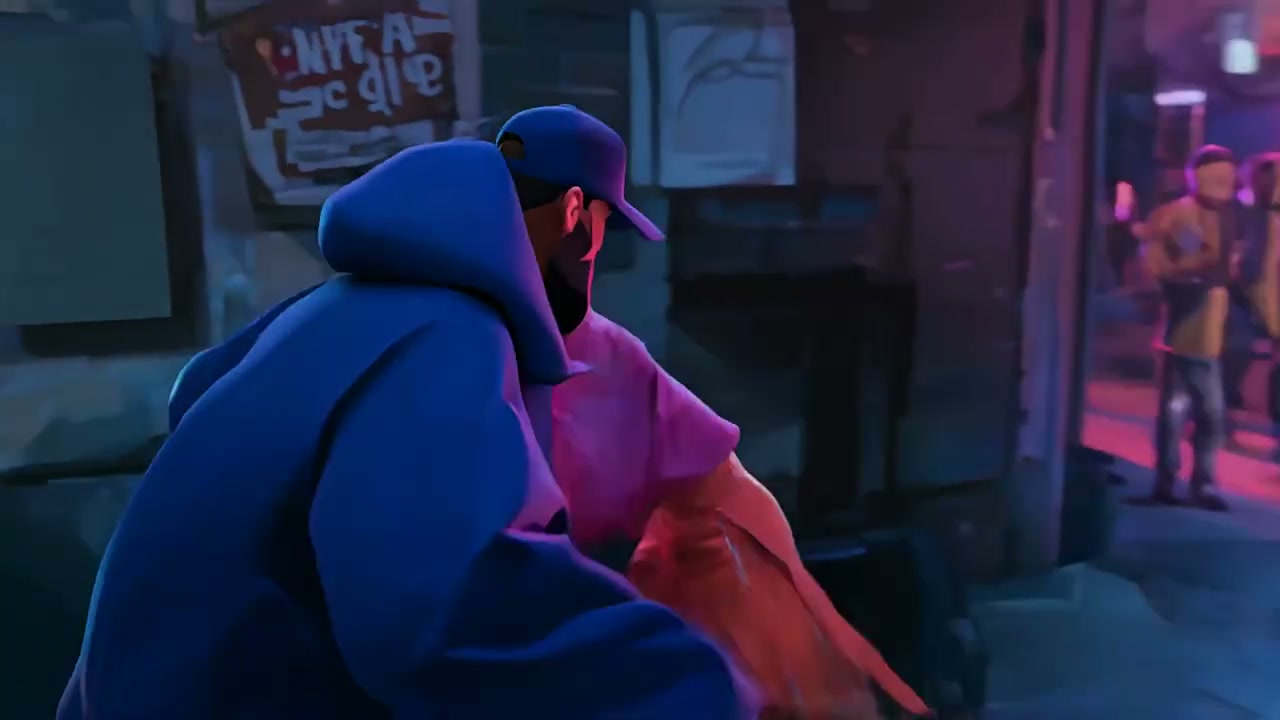
The safeguard here is to lock down the visual brief before you generate anything. Write a description that includes the specific camera angles, the pacing, the setting, and the key action that must happen in each scene. If the AI offers variations, reject anything that does not match the brief. It is tempting to keep a beautiful but off-brief result because it looks good. That is how campaigns lose their strategic focus. The best AI marketing video is the one that executes your plan, not the one that surprises you with something different.
How happywan.co fits into a consistent workflow
A tool like happywan.co can help teams move fast while keeping control. Because it works with text, images, reference clips, and audio, you can feed it a very specific set of inputs that define the look and feel from the start. A strong mood board, a precise visual brief, and a clear script all go into the generator together. The output is more likely to match your expectations because the constraints were set early. The key is to treat the input stage as the most important part of the process, not the generation stage. Rushing the input means you will spend more time fixing inconsistencies later.
Testing and iterating before full production
The most effective way to catch brand consistency risks is to build a testing step into your workflow. Generate a short test clip first, not the full campaign. Review it against your brand guideline point by point. Check the colours, the logo placement, the typography, the voice, and the overall tone. If the test clip passes, proceed with the full campaign. If it does not, adjust your inputs and test again. This sounds obvious, but many teams skip it because they are in a hurry. Skipping the test is what leads to a full campaign that needs to be re-shot or, worse, goes live with inconsistencies that damage the brand.
Creative testing does not have to be slow. You can run three or four variations in the same time it would take to produce one. Compare them side by side and pick the one that best fits your guidelines. Then use that winning input set for the rest of the campaign. This approach also helps you learn how your specific brand behaves inside the AI tool. Over time you will build a library of prompts and reference materials that produce consistent results every time.
Building a repeatable process that protects your brand
The goal is not to avoid AI-generated content. The goal is to use it without losing the identity you have built. That requires a process that treats brand consistency as a first-class concern, not an afterthought. Write your visual brief before you open the tool. Define your colour and typography rules. Test early and test often. Keep your campaign concept locked down and reject anything that drifts. When you find inputs that work, save them as templates for the next campaign.
Brand consistency is not about being rigid. It is about being intentional. Every piece of content you publish is a signal. If the signals are inconsistent, the audience gets a confused message. AI video generators are powerful accelerators, but they are not brand custodians. That job belongs to you. With the right process, you can use a tool like happywan.co to produce campaign content at scale without sacrificing the coherence that makes your brand recognisable. The speed of AI is only valuable when the output still feels like you.